
- Profile (
→ Profile):
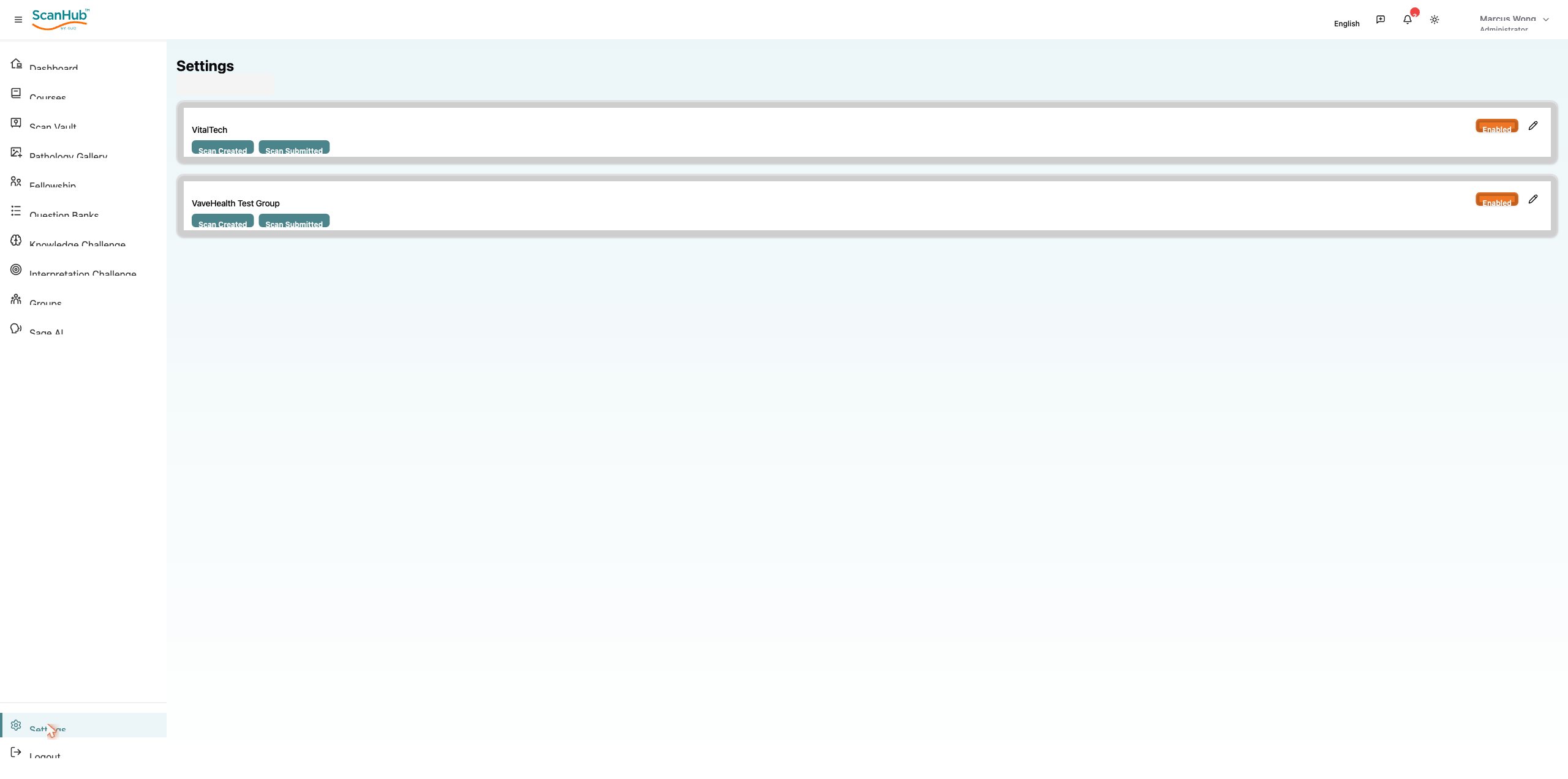
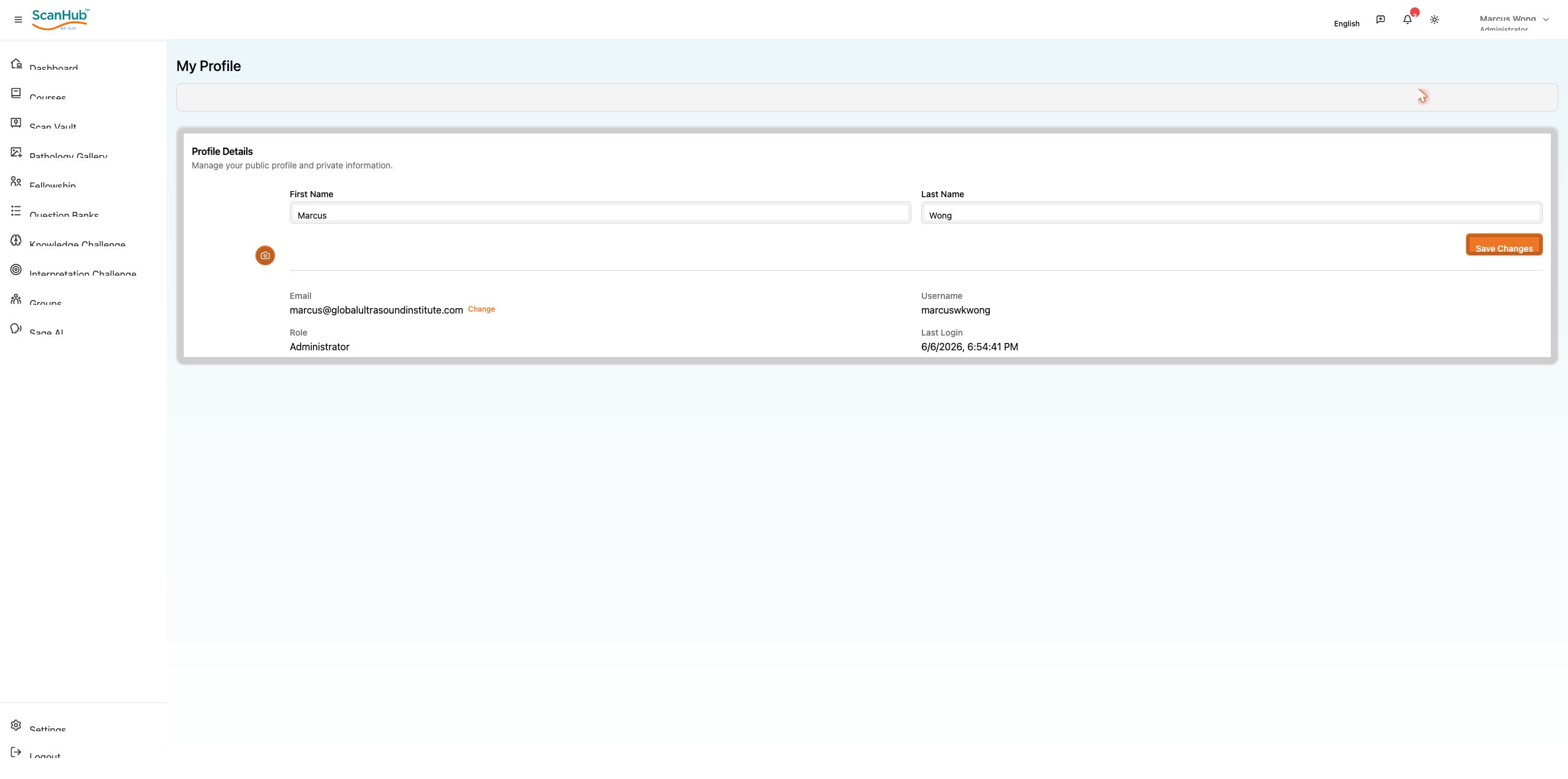
☰ view details; update first name, last name, profile photo; change password; delete account
- Change password: Profile → Edit Profile → Change Password → enter current, new, and confirmed password → Submit
- Settings: notification preferences, timezone and language, privacy and sharing permissions, professional credentials
- Logout: always use the Logout button to end your session securely; save work first and clear the browser cache on shared computers
Related Articles
ScanHub Quick-Start Guide
Navigation & the Top Bar
Quick Reference
Support & Resources
Settings, Profile & Logging Out
Sage AI Assistant
Using Your Dashboard
Logging In, Registration & Account Setup
Need more help?
If you require further assistance or discovered an error in our support documentation, please contact us by emailing support@globalultrasoundinstitute.com