
Contents
Group leaders manage their group from the Dashboard.
Open your group tools
- Log in at globalultrasoundinstitute.com (upper-right corner).
- Hover over your name in the upper-right corner and select Dashboard.
- In the row of green buttons, choose Manage Your Group. Your group(s) and your number of available seats will appear.
Still need help? Email support@globalultrasoundinstitute.com and we’ll be glad to assist.
As a group leader you can manage most of your learners yourself.
Add, remove or edit learners
- Log in, hover over your name, and select Dashboard.
- Choose Manage Your Group from the green button row to see your group(s) and available seats.
- Click Manage Learners to add, remove or edit learners.
Tips for adding learners
- Assign everyone the same temporary password to keep onboarding simple.
- Keep your own record of the usernames and passwords you create.
- Send new learners the login instructions yourself — they are not notified automatically.
What needs GUSI
To add or remove group leaders, or to re-add a former learner, please contact support — these can’t be done through self-service.
Still need help? Email support@globalultrasoundinstitute.com and we’ll be glad to assist.
If your account uses subgroups organized by year (for example, PGY levels), here’s how to roll over at the end of the year.
Roll your subgroups forward
- Email GUSI to request the year renames — for example PGY1 → PGY2, PGY2 → PGY3, and PGY3 → PGY1.
- Once the subgroups are renamed, delete (don’t just remove) your graduating learners.
- Add your new first-year cohort to the renamed group.
Re-adding a former learner must be done by GUSI — contact support if you need that.
Still need help? Email support@globalultrasoundinstitute.com and we’ll be glad to assist.
Purpose: Administrative tools, exclusive to users with group-leader permissions.
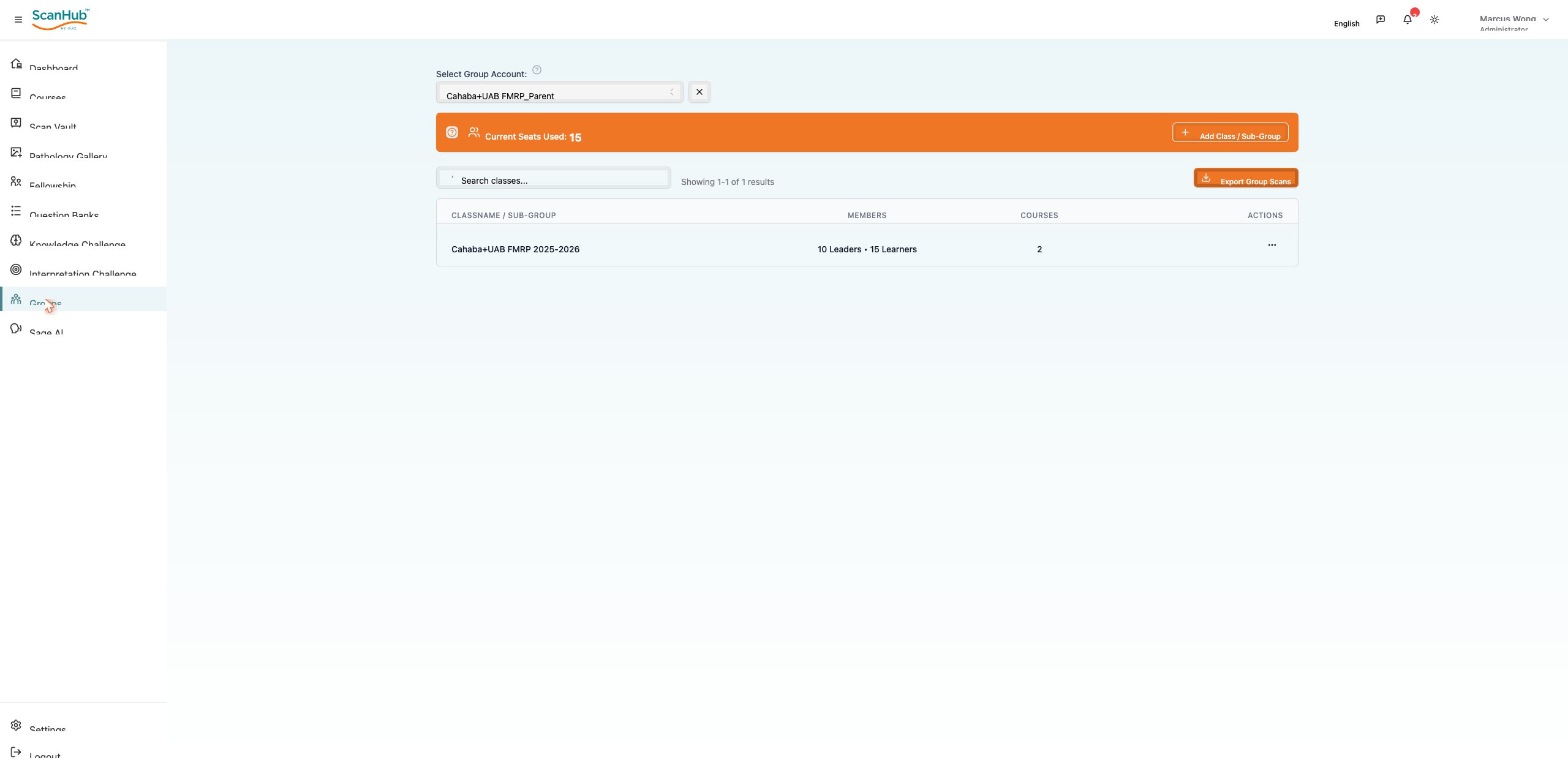
- Create and configure fellowship groups; add or remove members; assign mentors
- Schedule sessions, monitor participation, and generate group performance reports
In the mobile app:
→ Incomplete Scans shows scans needing your review; Completed ☰ Scans shows scans you already reviewed. These menus are not available for Learner/Subscriber roles.
Purpose: Manage fellowship programs and mentoring relationships (mentors and mentees).
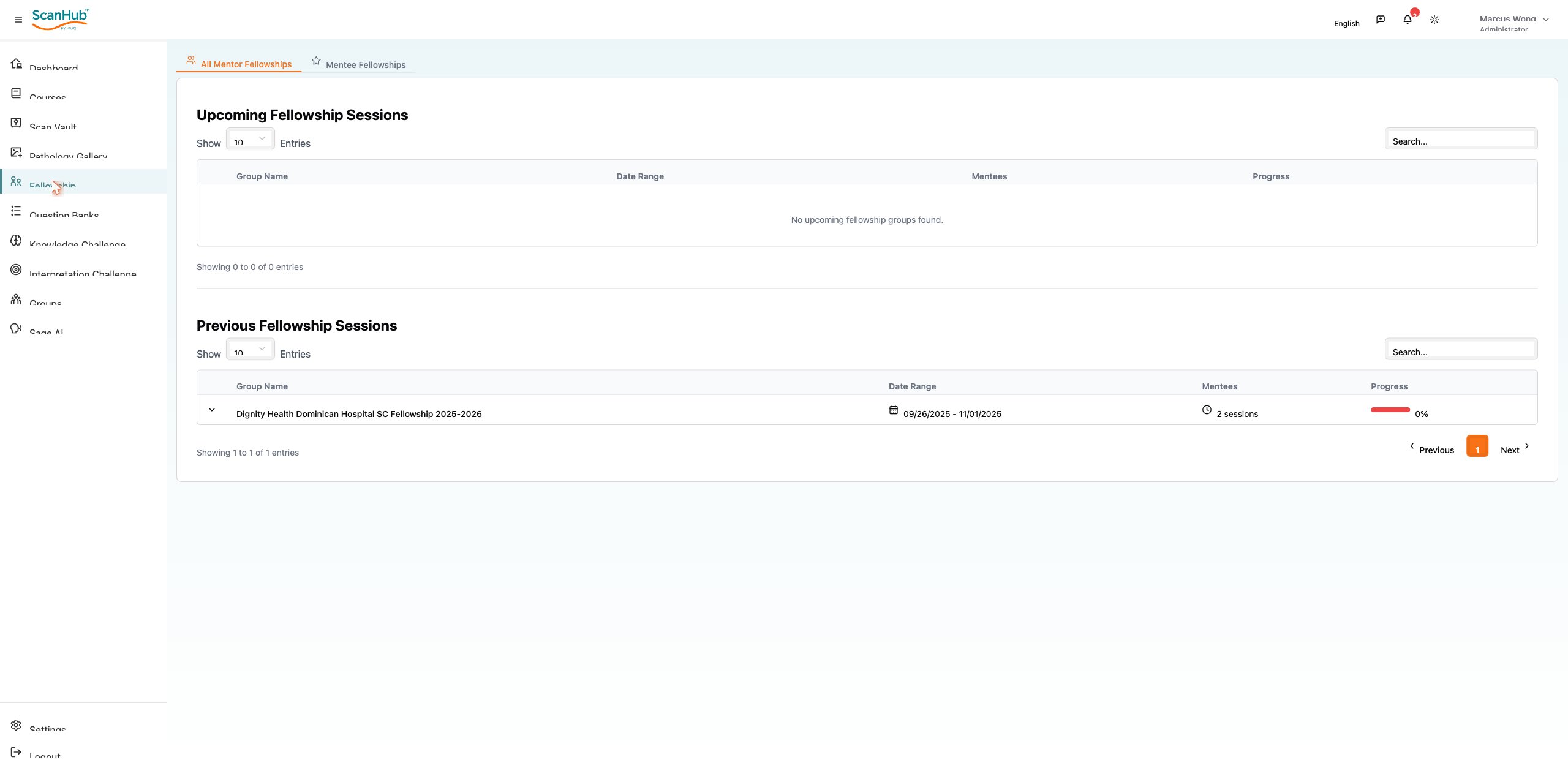
- View and join scheduled mentoring sessions; access recordings and notes
- Track progress through fellowship milestones; submit requirements and documentation