
Group Management
Managing Groups (Group Leaders)
Uploaded by: Marcus Wong · Last updated: June 6, 2026
Purpose: Administrative tools, exclusive to users with group-leader permissions.
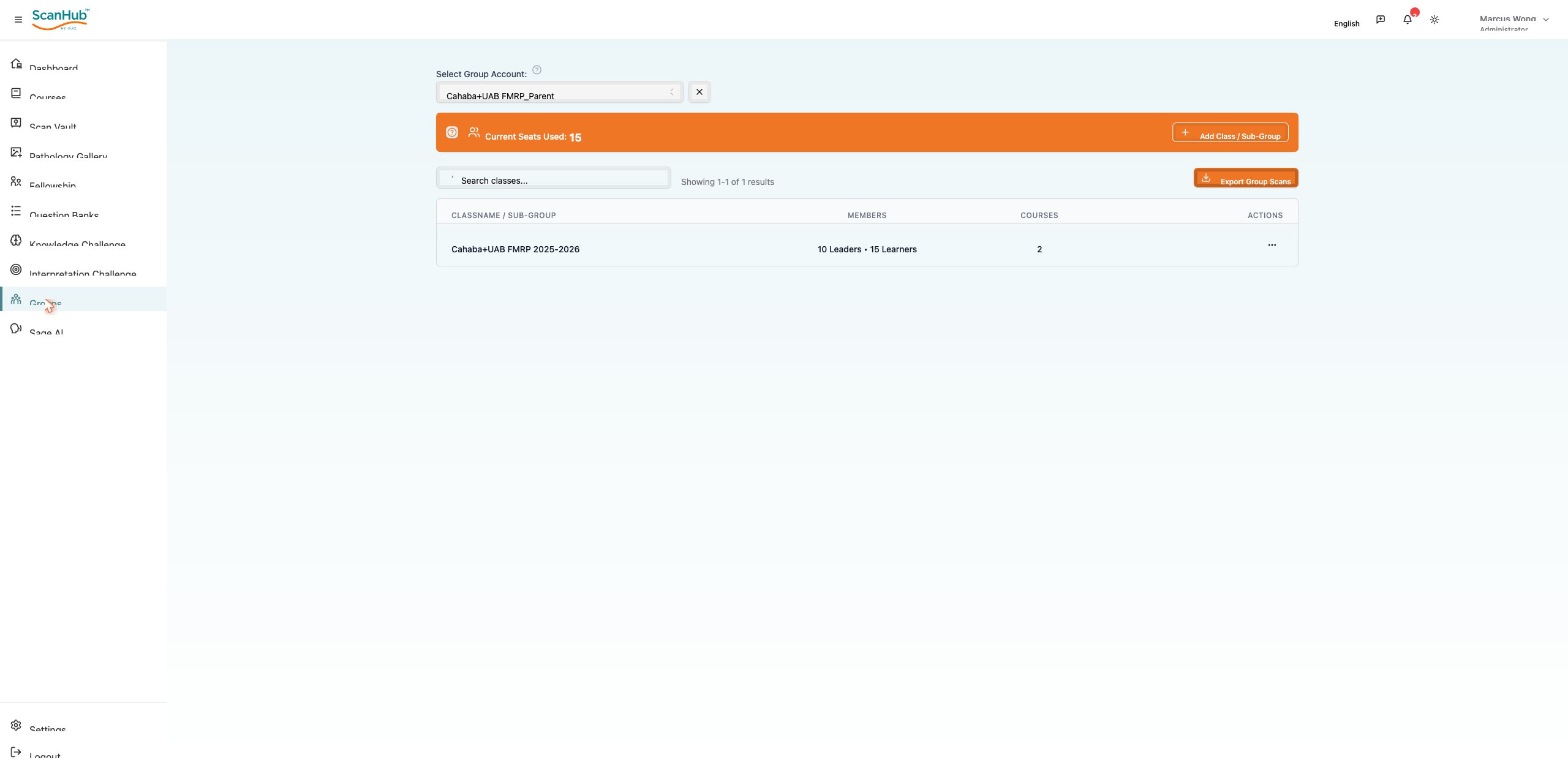
- Create and configure fellowship groups; add or remove members; assign mentors
- Schedule sessions, monitor participation, and generate group performance reports
In the mobile app:
→ Incomplete Scans shows scans needing your review; Completed ☰ Scans shows scans you already reviewed. These menus are not available for Learner/Subscriber roles.
Related Articles
Group Dashboard Basics (Group Leaders)
Adding & Removing Learners (Group Leaders)
Year-End Rollover & Re-adding Learners (Group Leaders)
Managing Groups (Group Leaders)
Fellowship Programs
Need more help?
If you require further assistance or discovered an error in our support documentation, please contact us by emailing support@globalultrasoundinstitute.com